

































































Error: Server Invite API Down: Causes Behind Invite Link Failures
-
Onstipes / 4 weeks
- December 17, 2025
- 0
- 8 min read

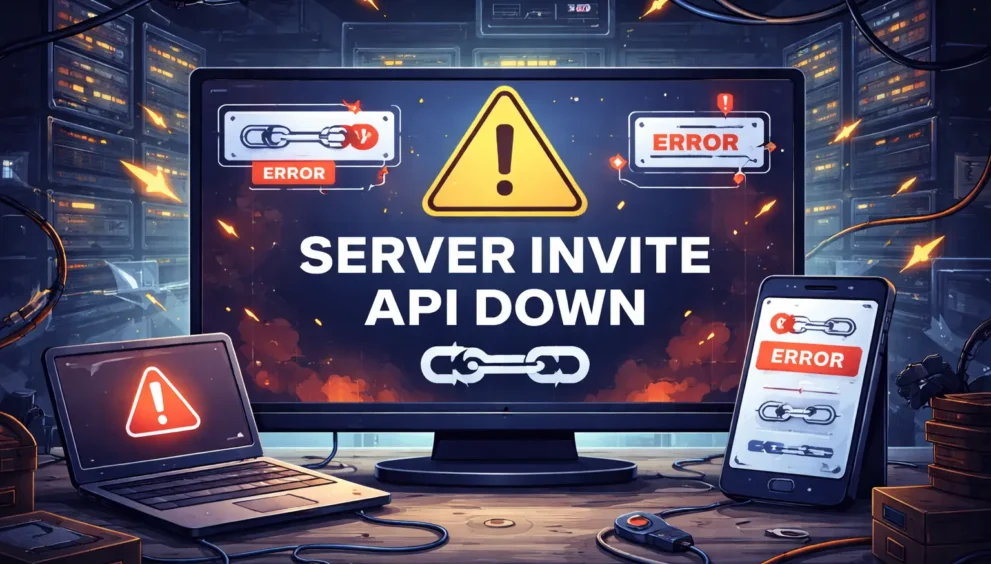
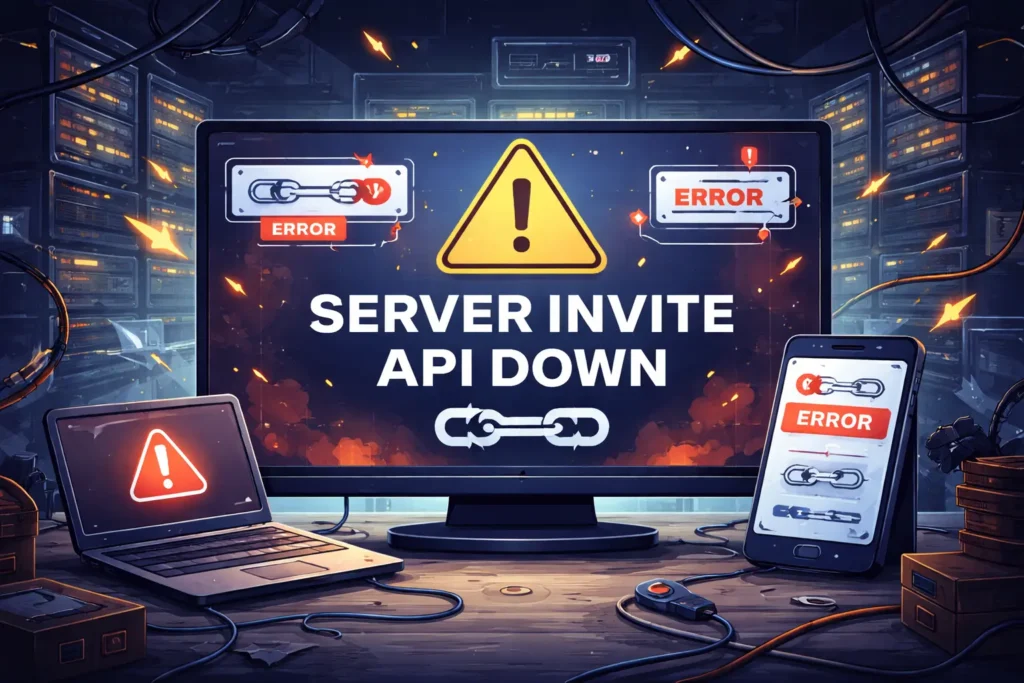
The message “error: server invite api down” usually appears when users try to join an online server but the invitation system fails to respond. This can be confusing, especially when the invite link looks valid and was working earlier.
In most cases, this issue is linked to the platform’s backend infrastructure. The invite API is responsible for creating, validating, and processing server invites, and when it goes offline, users cannot join servers normally.
This error is commonly seen on community-based platforms like Discord or similar services that rely heavily on automated invite systems. It often signals a temporary service disruption rather than a problem with the user’s account.
Understanding why this error happens helps users avoid unnecessary troubleshooting. In many situations, the best solution is simply waiting until the platform restores its invite services.
Understanding How Server Invite Systems Work
Server invite systems are built to allow users to join communities through unique links generated by the platform. These links are created and managed by a backend service known as the invite API, which handles requests in real time.
When a user clicks an invite link, the system checks its validity, expiration status, and permissions. If everything is correct, access is granted instantly without manual approval.
Most modern platforms rely on automated APIs to manage millions of invite requests efficiently. This automation ensures speed and scalability but also means that any disruption in the API affects all invite-related actions.
If the invite API becomes unavailable, even valid links cannot be processed. As a result, users encounter errors instead of being directed into the server.
What Triggers Invite Link Failures on Online Platforms
Invite link failures usually happen when the platform cannot communicate properly with its backend services. If the invite API is overloaded, under maintenance, or temporarily offline, the system cannot verify or process invite requests.
Another common trigger is sudden spikes in traffic. When too many users attempt to join servers at the same time, the invite service may struggle to handle the load and start rejecting requests.
Software updates or configuration changes can also interrupt invite functionality. Even small backend changes may cause temporary instability until systems are fully synchronized.
In some cases, local issues such as network restrictions, VPN interference, or cached data can worsen the problem, making it appear as though invite links are broken when the core issue is server-related.
Error: Server Invite API Down Explained for Users
When users see error: server invite api down, it means the platform’s invite service is not responding at that moment. The system cannot confirm whether the invite link is valid, expired, or active because the backend API is unavailable.
This error is generally not caused by user mistakes. Even correct and newly created invite links may fail to work during an API outage. That’s why multiple users often report the same issue at the same time.
Most platforms display this message as a generic response when the invite service cannot be reached. It helps prevent partial access or security risks while the system is unstable.
In simple terms, the platform itself is temporarily unable to handle invite requests, and normal functionality resumes once the API is restored.
Platform Outages and Their Impact on Community Access
Platform-wide outages are one of the biggest reasons invite systems stop working. When core services go down, invite APIs are often affected first because they rely on multiple backend connections.
During an outage, users may be unable to join new servers, accept existing invites, or generate fresh invite links. This can slow down community growth and temporarily block new members from accessing content.
For server owners, outages can disrupt events, onboarding, and moderation workflows. Communities that rely on real-time access may notice a sudden drop in engagement during these periods.
Once the platform restores its services, invite functionality usually returns automatically without requiring any action from users or administrators.
Role of Backend APIs in Server Invitations
Backend APIs act as the communication bridge between users and the platform’s internal systems. For server invitations, the invite API manages link creation, validation, tracking, and security checks.
Every time an invite link is generated or clicked, a request is sent to this API. It verifies permissions, confirms the server’s status, and ensures the invite hasn’t expired or been revoked.
Because these APIs operate behind the scenes, users don’t normally notice them until something goes wrong. When the invite API is down, all invite related actions fail at once.
This is why invite errors often appear suddenly and affect many users simultaneously. The issue is centralized within the backend rather than on individual devices.
How High Traffic Can Disrupt Invite Services
High traffic can put significant pressure on a platform’s invite infrastructure. When a large number of users try to join servers at the same time, the invite API may receive more requests than it can handle.
This often happens during viral events, large community launches, game releases, or major announcements. The sudden surge can slow down responses or temporarily shut down invite processing to protect the system.
To prevent deeper failures, platforms may automatically limit or pause invite requests. When this happens, users may see errors even though the platform itself is still online.
Once traffic levels return to normal or additional server capacity is added, invite services usually stabilize and start working again without user intervention.
Temporary Maintenance vs Unexpected System Failures
Temporary maintenance is a planned activity where platforms update or optimize their systems. During this time, invite APIs may be intentionally disabled, leading to short-term access issues.
Unexpected system failures, however, occur without warning. These can result from software bugs, hardware problems, or misconfigurations that disrupt the invite service suddenly.
From a user’s perspective, both situations can look the same. Invite links stop working, and error messages appear without detailed explanations.
The key difference is duration. Maintenance-related issues are usually resolved quickly, while unexpected failures may take longer as engineers investigate and restore services.
Common Signs the Problem Is Not on Your Side
One clear sign is when multiple users report the same invite error at the same time. This usually indicates a platform-wide issue rather than an individual account problem.
Another indicator is that all invite links fail, including newly generated ones. If even fresh invites don’t work, the issue is likely with the invite API itself.
You may also notice that other platform features work normally while invite-related actions do not. This partial functionality points to a backend service disruption.
Checking official status pages or social media updates often confirms that the platform is aware of the issue and working on a fix.
What Users Can Do While Invite Services Are Unavailable
When invite services are down, the most effective step is to wait and retry later. Since the issue is usually server-side, repeated attempts won’t fix it immediately.
Users can check the platform’s official status page or social channels to confirm whether there is an ongoing outage or maintenance update. This helps avoid unnecessary troubleshooting.
If possible, ask a server admin to share a new invite link once services are restored. In many cases, old links start working again automatically after the API comes back online.
Avoid using VPNs or unstable networks during outages, as they can sometimes worsen connection issues or delay successful access once the service recovers.
Preventing Future Invite Issues for Server Owners
Server owners can reduce invite-related problems by limiting excessive invite creation and avoiding automation that sends too many requests at once. This helps prevent rate limits and API strain.
Keeping invite links organized and removing unused or expired links also improves reliability. Fewer active invites make it easier for the platform to manage validation requests efficiently.
Staying informed about platform updates and scheduled maintenance is equally important. Knowing when maintenance is planned allows server owners to pause promotions or onboarding temporarily.
Finally, having alternative onboarding methods such as temporary manual approvals or backup communication channels ensures community access continues smoothly even if invite APIs face disruptions again.
Conclusion
The error “server invite API down” is mainly a server-side issue that prevents invite links from working properly. In most cases, it does not relate to user accounts, permissions, or expired links.
Such errors usually occur due to platform outages, high traffic, maintenance, or backend failures. When the invite API is unavailable, even valid invite links cannot be processed.
For users, patience and checking official status updates are often the best steps. Repeated attempts or link regeneration rarely solve the issue while the service remains down.
Understanding this error helps users and server owners avoid confusion and unnecessary troubleshooting, ensuring a smoother experience once invite services are restored.